Most ChatGPT Users Don't Know It Can Record and Summarize Any Meeting on Your Mac
ChatGPT's built-in Record Mode captures calls, brainstorms, and voice notes—then auto-generates a structured summary with action items, no separate note-taking app required.
01. What It Is
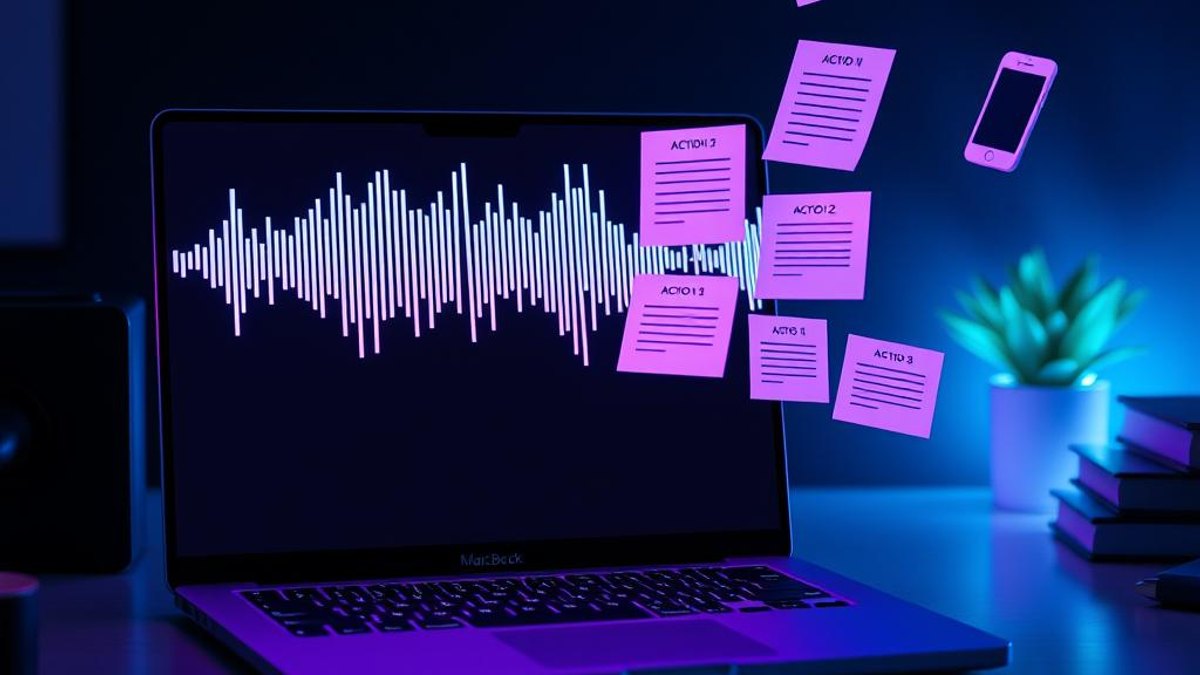
ChatGPT Record Mode is a built-in audio recorder inside the ChatGPT macOS desktop app. With one click, it captures your microphone and your computer's system audio at the same time, transcribes everything in real time, and then turns the conversation into an organized set of notes—all without opening Otter, Fireflies, or any other dedicated transcription tool.
As you record, a live transcript scrolls on screen so you can follow along. When you're done and hit Send, ChatGPT produces an editable Canvas document containing a clean summary, key points, action items, and time-stamped citations that link back to moments in the conversation. Because it captures system audio directly, you don't have to add a bot to your meeting or join the call as a separate participant.
It's designed for meetings, lectures, interviews, and quick voice memos. The raw audio is deleted automatically after transcription per OpenAI's policy, and the resulting notes live in your chat as a Canvas you can refine, copy, or build on with follow-up prompts.
Why It Matters
Dedicated meeting-notes apps cost $10–$30 per month and often require adding a bot to your call. If you already pay for ChatGPT Plus or higher, Record Mode replaces that subscription entirely—and keeps the transcript, summary, and your follow-up questions in one place. A one-hour meeting becomes a clean, action-item-ready summary in seconds instead of the 20–30 minutes it takes to write notes by hand.
Who Can Benefit
- Managers and team leads who run frequent meetings and need quick recaps
- Students recording lectures for later review
- Journalists and researchers transcribing interviews
- Freelancers and consultants who bill against documented client calls
- Anyone who already pays for ChatGPT and wants to drop a separate note app
02. Step-by-Step Guide
- 1
Open the ChatGPT macOS app
Record Mode is currently available only in the ChatGPT desktop app for macOS—not Windows, the web, or mobile. Make sure your app is up to date.
- 2
Confirm your plan
You need a Plus, Pro, Business, Enterprise, or Edu subscription. Plus was added in July 2025, so you no longer need a Team plan to use it.
- 3
Click the Record button
At the bottom of any chat, click the Record button. The first time, macOS will ask you to grant microphone and system-audio permissions—approve both so ChatGPT can capture the call's audio directly.
- 4
Get consent and start talking
Before recording, tell everyone on the call you're recording and confirm it's allowed under your local laws. Then speak or let the meeting play. A live transcript scrolls on screen as you go.
- 5
Record up to 4 hours
Each session can run up to 240 minutes (4 hours). Earlier limits of 120 minutes are outdated.
- 6
Click Send to generate notes
When you're finished, click Send. ChatGPT processes the audio and produces an editable Canvas with a summary, key points, action items, and time-stamped citations. The raw audio is then deleted automatically.
- 7
Refine and label
Speakers aren't labeled automatically, so rename them manually in the transcript if needed. You can also ask follow-up questions like 'Draft a follow-up email from these notes' right in the chat.
Using the meeting transcript above, create: 1) a 3-sentence executive summary, 2) a bulleted list of decisions made, 3) action items with owners and deadlines, and 4) any open questions that still need answers.
Pro Tips
- After generating the Canvas, ask ChatGPT to reformat the notes into an email, a project brief, or a task list—it keeps working from the same transcript.
- Rename speakers right after transcription while the conversation is fresh, since there's no automatic diarization.
- Use the time-stamped citations to jump back and verify exact quotes before sharing notes externally.
- For interviews, prompt ChatGPT to extract only the interviewee's quotes verbatim.
Warnings & Limitations
- macOS only—Record Mode is not available on Windows, web, or mobile as of this writing.
- Requires a Plus, Pro, Business, Enterprise, or Edu plan; the free tier does not include it.
- You must obtain consent from everyone recorded and comply with your local recording laws—this is a legal requirement, not optional.
- Transcriptions can contain errors; OpenAI advises verifying important information before relying on it.
- Accuracy is best in English and varies for other languages.
- Sessions are capped at 4 hours each.
Related Tricks

Most ChatGPT Users Don't Know It Can Work on a Schedule—While You Sleep
ChatGPT isn't just for live chats. Its Tasks feature quietly runs recurring prompts on a schedule and pings you when the results are ready—no code required.

Most ChatGPT Users Don't Know You Can Long-Press Send to Pick Its Brainpower
A hidden gesture in the ChatGPT mobile app lets you dial reasoning effort up or down for a single message—no settings menu, no switching your default model.
Most Claude Users Don't Know It Can Read and Edit Their Notion Pages Directly
Claude now has an official Notion connector built right into Settings—no API keys, no Zapier, no third-party glue. Pull entire workspaces into a chat and edit pages while you talk.