
Most Developers Don't Know Claude Code Can Send a Live UI Straight Into Figma
Build an interface in code, type one plain sentence, and watch it land in Figma as native editable layers — no screenshots, no copy-paste.
01. What It Is
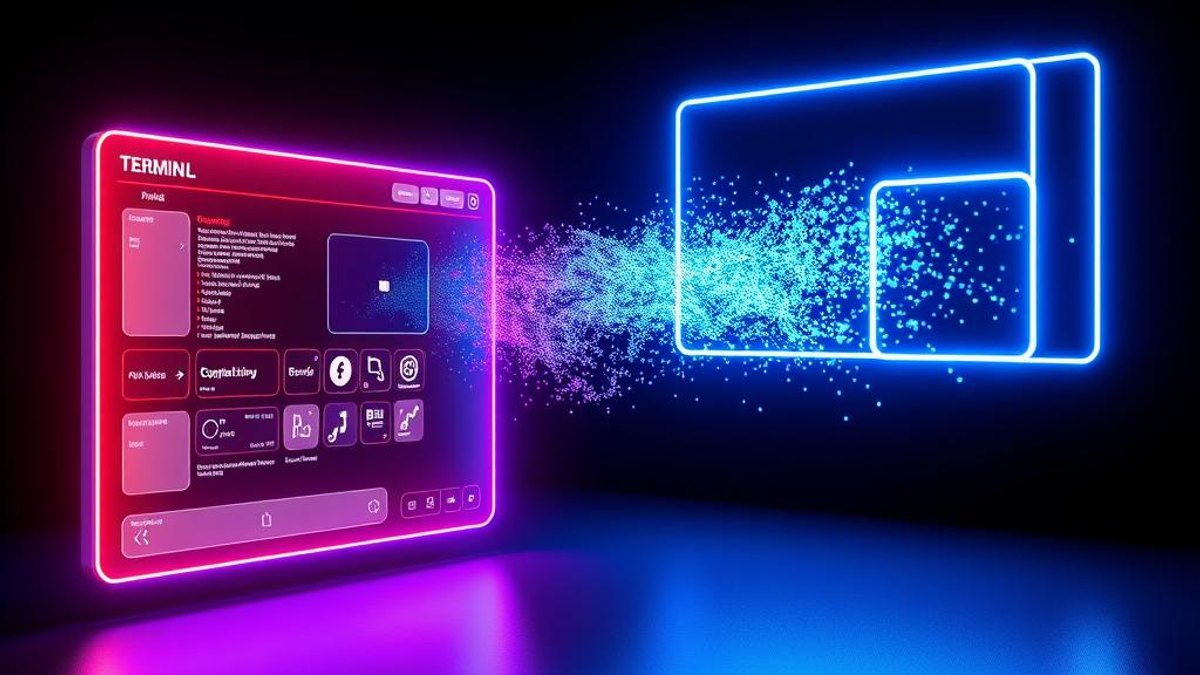
Claude Code to Figma is a workflow that captures the live, running interface of an app you're building and reconstructs it inside Figma as fully editable native frames. Instead of exporting a flat screenshot, it recreates the structure — text becomes editable text fields, buttons become separate components, and the layout uses real Auto Layout constraints.
It works through the Figma MCP (Model Context Protocol) server connected to Claude Code. Once the server is linked, you point Claude Code at your running dev server — localhost, staging, or production — and simply type a natural-language prompt like 'Send this to Figma.' Behind the scenes it calls the generate_figma_design MCP tool, which does the AI-powered layer reconstruction in roughly 10 to 30 seconds on the first pass.
The result flips the traditional design-to-code pipeline: your code-first build becomes a canvas-ready design artifact you can hand to designers, iterate on, or document. Officially announced on February 17, 2026, the feature remains in production and free during beta.
Why It Matters
For teams that build UI in code first, this collapses hours of tedious redrawing into seconds. Designers no longer have to reverse-engineer an existing app screen by screen, and developers can produce editable design files without ever leaving their terminal. It closes the long-standing gap between what ships in code and what lives on the design canvas.
Who Can Benefit
- Developers who prototype in code and need Figma files for handoff
- Designers who inherit code-first products and want editable source of truth
- Small teams without a dedicated design-to-spec process
- Product folks documenting existing screens for redesign work
02. Step-by-Step Guide
- 1
Install Claude Code and confirm your subscription
Make sure the Claude Code CLI is installed and you have an active Claude subscription or API key. This feature only works in Claude Code — not the Desktop MCP client.
- 2
Connect the Figma remote MCP server
Run: claude mcp add --transport http figma https://mcp.figma.com/mcp — the remote server works across all Figma plans, including free. The generate_figma_design tool is only available via Remote MCP, not Desktop MCP.
- 3
Start your dev server in the browser
Run your app so the live interface renders in a browser tab — localhost, a staging URL, or production all work. The capture reads the running, rendered UI, not your source files.
- 4
Type the natural-language prompt
In Claude Code, simply type 'Send this to Figma.' Claude invokes the generate_figma_design MCP tool and reconstructs the interface as native Figma frames.
- 5
Wait for the reconstruction
The first capture takes about 10 to 30 seconds while the AI rebuilds the layer structure. Later captures in the same session run faster.
- 6
Refine in Figma
Open the new frames in Figma. Text is editable, buttons are separate components, and Auto Layout constraints are applied. Adjust any layout gaps and align to your design system as needed.
Send this to Figma
Pro Tips
- Capture multiple screens in a single session — sequence and context are preserved, so you can rebuild an entire flow at once.
- If you want your existing design system respected, explicitly reference it in your prompt; it isn't applied automatically.
- Point the capture at production or staging URLs, not just localhost, to document already-shipped screens.
- Do a quick pass to fix layout gaps immediately after the first capture — they're common on initial reconstructions.
Warnings & Limitations
- Animations, interactions, event handlers, state management, business logic, and API calls are NOT transferred — only visual structure.
- Initial captures frequently have layout gaps that need manual cleanup in Figma.
- Existing design systems and components won't be used unless you name them in the prompt.
- The tool is Claude Code + Remote MCP only; it does not work in the Desktop MCP setup.
- It's free during beta, but Figma's official docs state it will eventually become a usage-based paid feature.
- Facts confirmed as of April 2026; behavior may change as the beta evolves.
Related Tricks
Most Figma Designers Don't Know Layers Can Become Live Interactive Code on the Canvas
A single click can turn a static Figma layer into working, interactive code—flyouts, dropdowns, maps, and animations—without ever leaving the canvas.
Most Figma Users Don't Know Its Agent Can Now Read Your Slack and Notion
Figma's new Agent connectors pull live context straight from Slack channels and Notion databases—so your designs are informed by real research without ever leaving the canvas.
Most Figma Designers Miss That Identical Layer Names Trigger Automatic Smooth Animations
Figma's Smart Animate can build fluid motion transitions for you—the only requirement is counterintuitively simple: name your layers exactly the same across frames.