Most People Don't Know Gemini Can Now Work While They Sleep
Gemini Spark is a cloud-based agent that keeps running custom workflows even after you lock your phone. It turns your AI assistant from a chatbot into an always-on employee.
01. What It Is
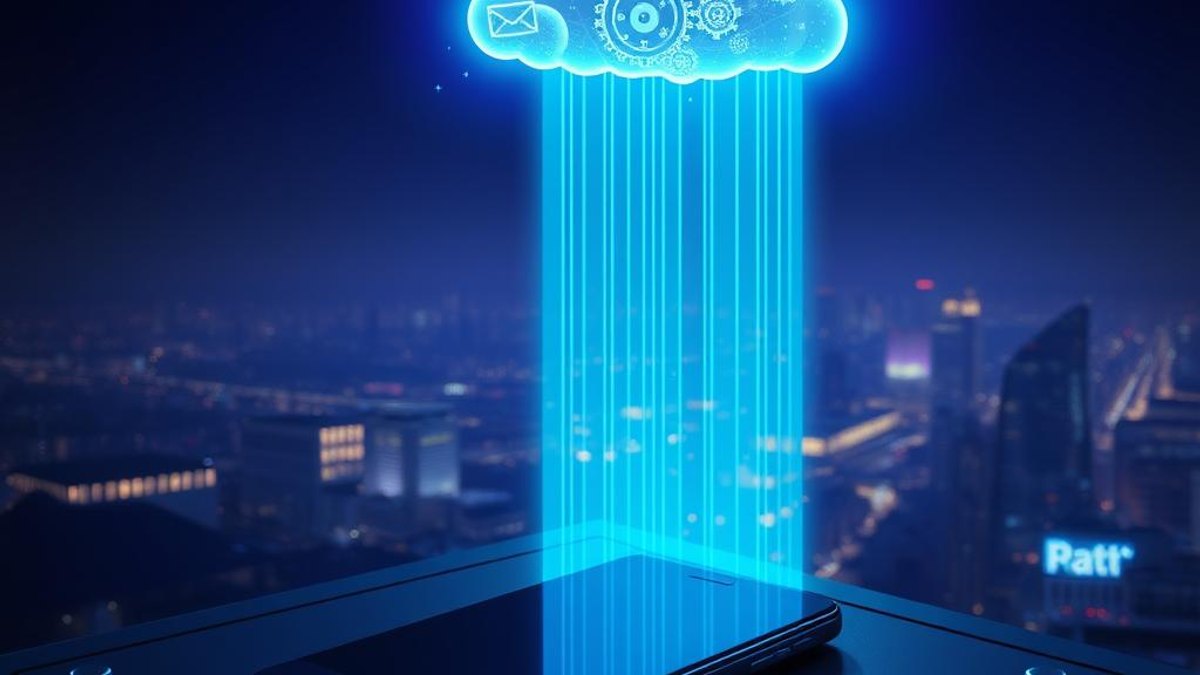
Gemini Spark is Google's experimental agent layer inside Gemini that breaks the usual 'ask a question, get an answer' model. Instead of only responding while you're chatting, Spark runs on dedicated Google Cloud virtual machines, so your tasks keep executing even when your phone is locked, in your pocket, or charging overnight.
It works through three interaction modes. Tasks handle multi-step, one-off jobs you describe in plain language. Skills are reusable instruction sets you build once and call again and again. Schedules are the headline feature — time-based or condition-triggered routines that fire automatically without you opening the app, powered by the Gemini 3.5 Flash model on Google's Antigravity 2.0 agent harness.
Spark natively connects to Gmail, Calendar, Drive, Docs, Sheets, Slides, YouTube and Google Maps, and reaches outside Google through the Model Context Protocol to tools like Canva, OpenTable and Instacart. Crucially, every connection is off by default — you flip on each integration yourself, and the agent checks with you before any high-stakes action like sending an email or spending money.
Why It Matters
This collapses the gap between 'AI that talks' and 'AI that does.' A morning briefing, a weekly report compiled from a spreadsheet, a draft reply triggered when a specific email arrives — all of it can run on a schedule while you're asleep or busy. For knowledge workers, that's hours of repetitive coordination handed off to a background agent that never forgets and never clocks out.
Who Can Benefit
- Busy professionals who want routine reports, summaries and reminders prepared before they wake up
- Google AI Ultra subscribers looking to get real value from the top-tier plan
- Operations and admin people who manage recurring Workspace workflows
- Power users who already build automations and want a native, conversational way to schedule them
02. Step-by-Step Guide
- 1
Confirm you have the right plan and region
Spark requires a Google AI Ultra subscription and is currently limited to US-based users age 18+. It is not available on AI Pro, the free Gemini tier, or Workspace Business Starter and lower plans. EU and UK access is pending AI Act compliance.
- 2
Open Gemini and find Spark
Launch the Gemini app where Spark has rolled out (beta began the week of May 26, 2026). Spark appears as its own agent area separate from the standard chat experience.
- 3
Enable only the integrations you need
Workspace connections are off by default. Turn on Gmail, Calendar, Drive, Sheets or any other integration individually — Spark does not read your data indiscriminately, so nothing happens until you explicitly connect it.
- 4
Create your first Task to test the agent
Describe a multi-step job in plain language, such as summarizing a Drive document and dropping the summary into a new Doc. Watch how Spark plans and executes the steps before you trust it with anything recurring.
- 5
Save a reusable Skill
Once a workflow works, turn it into a Skill — a saved instruction set you can call again without re-explaining it. This is ideal for formatting reports or drafting a particular kind of email.
- 6
Set up a Schedule to run 24/7
Create a Schedule that fires at a set time (e.g. 6 a.m. daily) or on a condition. Spark runs it on Google Cloud even when your phone is locked, and pushes updates to Android through the Halo UI.
- 7
Approve high-stakes actions
For anything that sends an email, spends money, or makes an external commitment, Spark pauses and 'checks with you' first. Keep these approvals on for sensitive workflows.
Pro Tips
- Build and test a workflow as a one-off Task first, then promote it to a Skill or Schedule once you trust the output.
- You can run up to 15 concurrent tasks — but you must wait for one to finish before queuing the next, so reserve slots for your most important jobs.
- Schedules shine for overnight prep: have Spark compile a digest or draft replies so they're waiting when you wake up.
- More integrations (Adobe, Samsung, Spotify, GitHub, Notion, Slack) plus a macOS desktop app and Chrome support are planned for summer 2026 and later.
Warnings & Limitations
- Spark is an experimental early beta — Google itself warns it can make mistakes and take unintended actions.
- Fully offline Schedules may execute without your ability to interrupt them, so avoid using Spark for sensitive tasks without supervision.
- It is US-only for now (18+), and EU/UK availability is estimated for Q3 2026.
- The required Google AI Ultra plan is expensive ($99.99–$199.99/month, reduced to $100/month at I/O 2026); the feature is not available on cheaper tiers.
Related Tricks
Most People Don't Know Gemini Can Keep Working After You Lock Your Phone
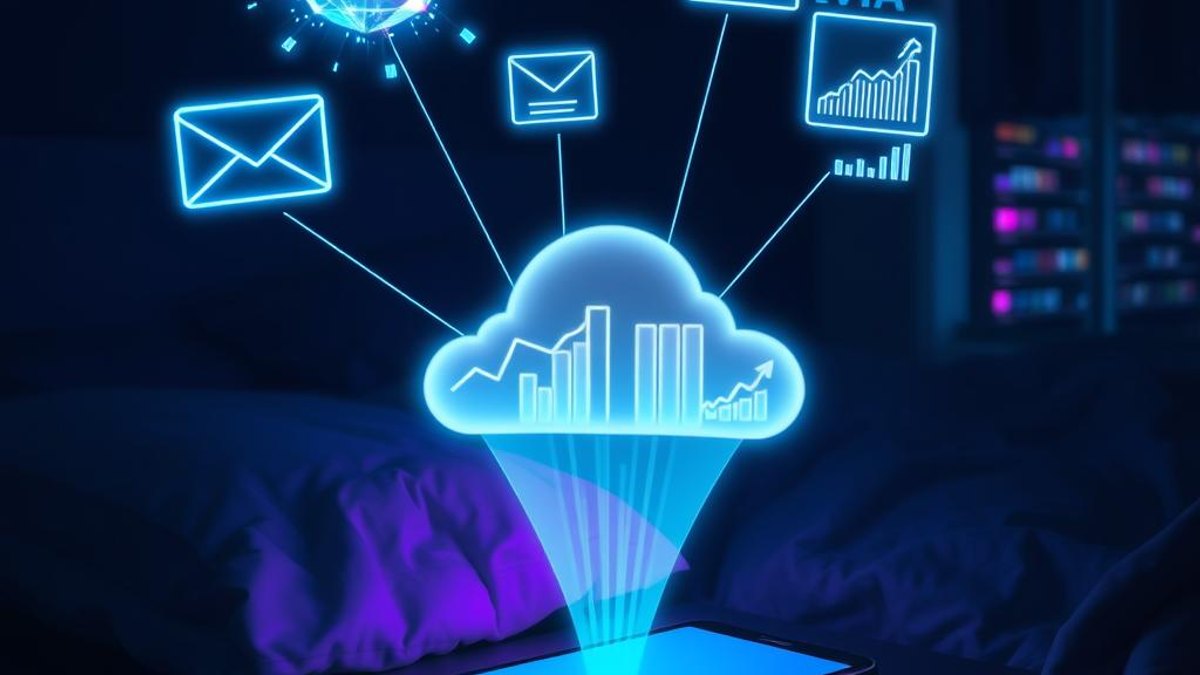
Gemini Spark is a cloud-based AI agent that runs your custom workflows 24/7 — triaging email, scheduling, and tracking topics even while you sleep. Here's how it turns Gemini from a chatbot into a background worker.
Most Workspace Users Don't Know Gemini Now Remembers Their Entire Work Life
A quiet April 2026 update gave Gemini continuous awareness across Gmail, Drive, Calendar and more—so it can surface context from emails you completely forgot existed. Most people still treat it like a basic chatbot.

Most Perplexity Users Don't Know It Can Run 19 AI Models at Once
Everyone treats Perplexity like a single smart search box. Hidden inside is Computer—a multi-agent system that dispatches 19 AI models in parallel to take a project from question to finished deliverable.