
Most Google Photos Users Don't Know You Can Just Ask for Any Photo
Stop endlessly scrolling to find that one picture. Google Photos has an experimental feature called 'Ask Photos' that lets you describe what you want in plain English — and Gemini finds it.
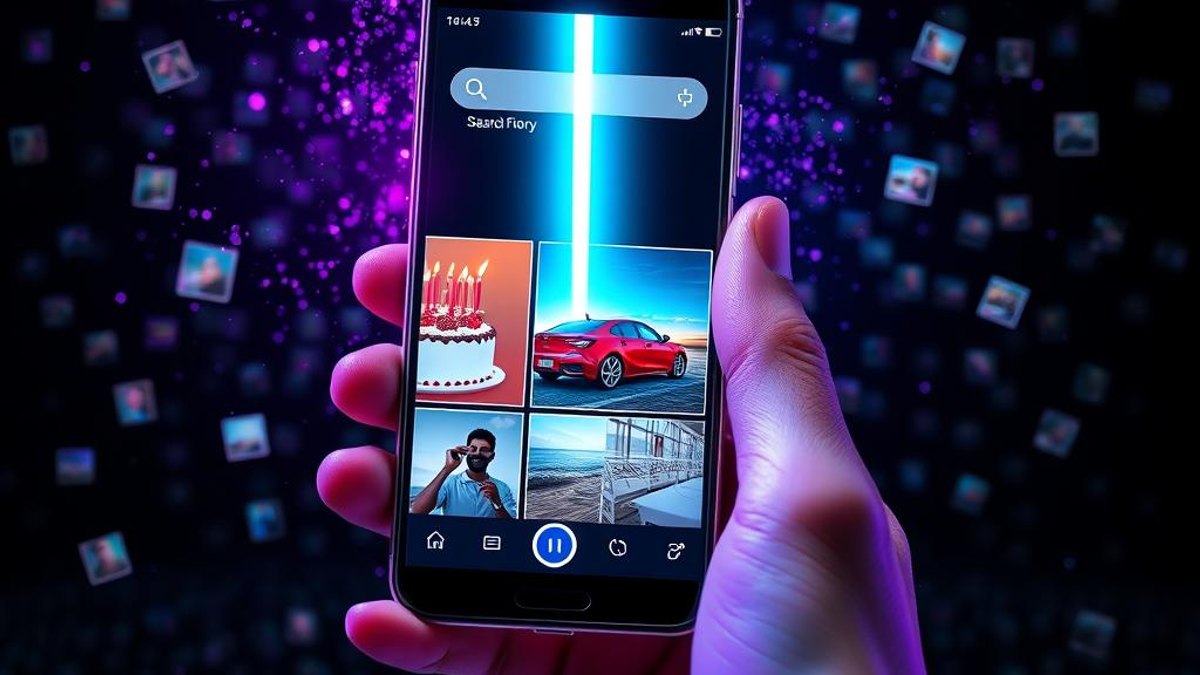
01. What It Is
'Ask Photos' is an experimental feature inside Google Photos that integrates Gemini, letting you search your entire library using natural language instead of keywords, dates, or endless scrolling. You can type something like 'birthday cake,' 'red car,' or 'beach sunset' and get matching results without ever having tagged your photos manually.
The clever part is that Google's AI already understands the contents of your photos — objects, scenes, and context — so there's no setup, labeling, or album-building required. You ask the way you'd ask a person, and the system interprets the meaning behind your request.
Worth knowing: while Gemini powers the conversational interface, the actual search results are served by Google Photos directly. Gemini helps you phrase and refine the query, but the photo matching happens within your own Google Photos library.
Why It Matters
If you've got thousands of photos, finding a specific one is a real time sink. Ask Photos turns minutes of scrolling into a single sentence — useful when you need a receipt photo, a specific event, or that one shot of a friend's pet, fast. It removes the need for manual tagging entirely.
Who Can Benefit
- People with massive, disorganized photo libraries
- Parents trying to find specific moments among thousands of kid photos
- Anyone who hunts for receipts, screenshots, or documents in their gallery
- Travelers searching for shots from a specific place or trip
02. Step-by-Step Guide
- 1
Confirm you meet the requirements
You need a personal Google Account (not work, school, or supervised), you must be 18 or older, and your account language must be set to English (U.S.). You also need to be in a supported country or territory.
- 2
Turn on Face Groups in Google Photos
Open Google Photos settings and enable Face Groups. Ask Photos relies on this being active to deliver people-related results.
- 3
Enable Keep Activity
Go to your Google Account settings and make sure 'Keep Activity' is turned ON. This permission is what allows Gemini to connect to your gallery apps.
- 4
Check your subscription tier
Ask Photos and Gemini-powered features in Photos are tied to Google One subscription tiers such as Google AI Plus, Pro, or Ultra. Confirm your plan includes access.
- 5
Open Ask Photos in Google Photos
In the Google Photos app, look for the Ask Photos entry point in the search area. Tap it to start a conversational search.
- 6
Describe what you want in plain language
Type or speak a natural request like 'photos of the beach at sunset' or 'the birthday cake from last year.' Refine with follow-ups if the first results aren't quite right.
Pro Tips
- Be specific with descriptive details — colors, places, objects, or occasions — to narrow results faster.
- If results feel off, rephrase your query rather than repeating it; the conversational interface responds well to refinement.
- Use it for finding documents and screenshots, not just memories — 'screenshot of a boarding pass' style queries work surprisingly well.
Warnings & Limitations
- Ask Photos is an experimental feature and still has known issues with latency and result quality.
- The rollout was paused in mid-2025 over performance problems and resumed with improvements, so behavior can vary.
- You cannot export photos or videos from Gemini's responses — only text portions of a response can be shared or exported.
- It's not available in Gemini within Google Messages or Live Chats, and some U.S. regions are excluded.
- Requirements are strict: English (U.S.) account language, age 18+, a personal account, and the right Google One tier are all needed.
Related Tricks
Most Android Users Don't Know Their Phone Can Broadcast Music to Unlimited Headphones at Once
With Auracast on Android 15+, your phone can send one audio stream to any number of Bluetooth earbuds simultaneously—no individual pairing required. It ships hidden, but it's real and it's live.
Most Android Users Don't Know Their Phone Can Share WiFi With a QR Code
Stop dictating long, cryptic WiFi passwords letter by letter. Your Android phone can generate a scannable QR code that connects any device instantly.
Most iPhone Users Don't Know Their AirPods Can Trigger the Camera
iOS 26 turned AirPods into a hands-free camera remote. Squeeze your earbud and your iPhone snaps the shot—no reaching for the screen.