
Your Android Phone Is a 4K Webcam — and It’s Built Into the System
Since Android 14, plugging your phone into a computer can turn its camera into a high-quality webcam. No apps, no drivers, one cable.
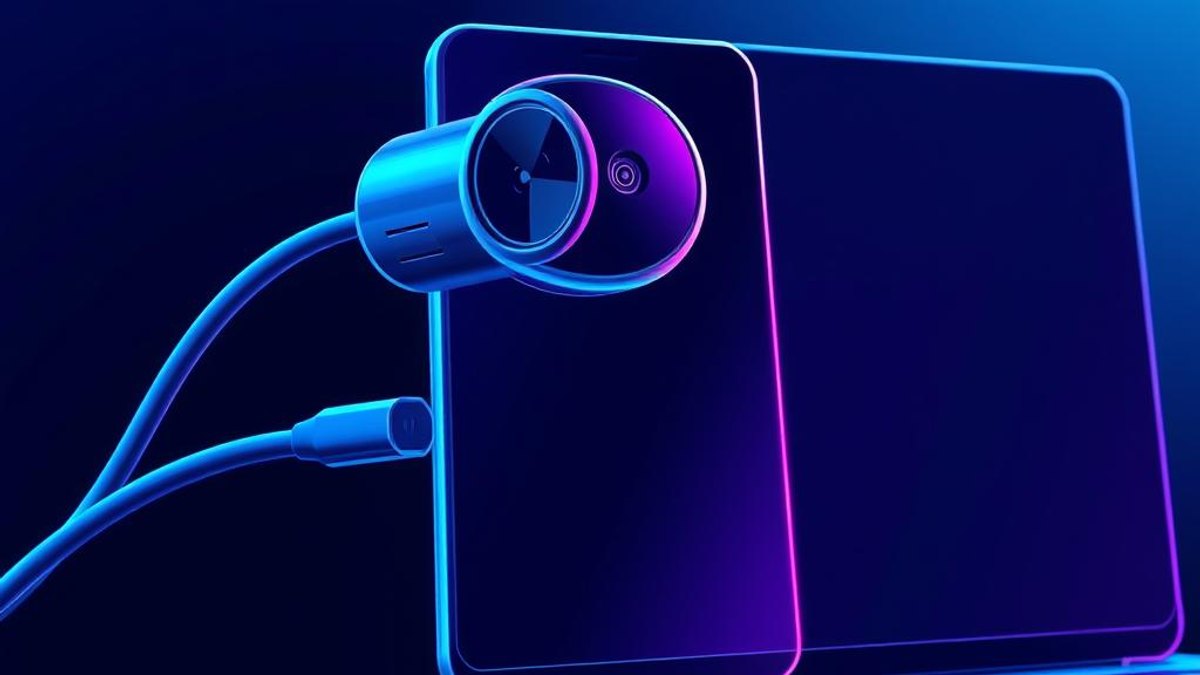
01. What It Is
Android 14 added a system-level webcam mode: connect your phone to a computer over USB, switch the USB mode to 'Webcam', and the phone shows up as a standard camera in Zoom, Meet, Teams, OBS — anything that uses a webcam.
Because phone cameras are dramatically better than laptop webcams, this instantly upgrades your video quality. iPhones have a similar feature with Macs (Continuity Camera); the Android version works with Windows, Mac and Linux because it presents itself as a standard UVC device.
Why It Matters
Decent webcams cost $60–$200, and the camera in your pocket already beats most of them. For interviews, client calls and streaming, this is a free, dramatic image-quality upgrade using hardware you already own.
Who Can Benefit
- Remote workers who want to look sharp on video calls
- Streamers and creators needing a quality second camera
- Anyone whose laptop webcam is grainy or broken
- Presenters who want a flexible camera angle (tripod + phone)
02. Step-by-Step Guide
- 1
Check your Android version
Open Settings → About phone. You need Android 14 or later (Pixel and most recent Samsung/major-brand flagships support it).
- 2
Connect the USB cable
Plug the phone into your computer with a data-capable USB cable — not a charge-only cable.
- 3
Switch USB mode to Webcam
Swipe down, tap the 'Charging this device via USB' notification, and select 'Webcam' under 'Use USB for'.
- 4
Select it in your video app
In Zoom, Meet, Teams or OBS, open video settings and choose the new camera (usually listed as 'Android Webcam').
- 5
Frame and mount
Use the preview on the phone screen to frame your shot. A small tripod or magnetic mount at eye level works best.
Pro Tips
- Use the rear camera for noticeably better quality than the selfie camera.
- Tap the preview on the phone to switch lenses (wide / ultrawide / zoom) where supported.
- Keep the phone charging through a powered hub for long calls.
Warnings & Limitations
- Requires Android 14+; some manufacturers hide or rename the option.
- Long sessions can warm the phone — remove thick cases and avoid direct sunlight.
Related Tricks

Most iPhone Users Don't Know Their Carrier Can See Their Exact Location — iOS 26.3 Hides a Switch to Stop It
Buried two taps deep in Settings, a new iOS 26.3 control quietly blurs your location from your cellular carrier — turning street-level precision into vague neighborhood data.
Most Android Users Don't Know Gemini Can Build Custom Widgets From a Sentence
Describe the widget you want in plain English, and Gemini designs, builds, and installs it on your home screen—no settings, no widget menu digging.
Most Android Users Don't Know Their Phone Can Share WiFi With a QR Code
Stop dictating long, cryptic WiFi passwords letter by letter. Your Android phone can generate a scannable QR code that connects any device instantly.