
Most iPhone Users Don't Know Their Carrier Can See Their Exact Location — iOS 26.3 Hides a Switch to Stop It
Buried two taps deep in Settings, a new iOS 26.3 control quietly blurs your location from your cellular carrier — turning street-level precision into vague neighborhood data.
01. What It Is
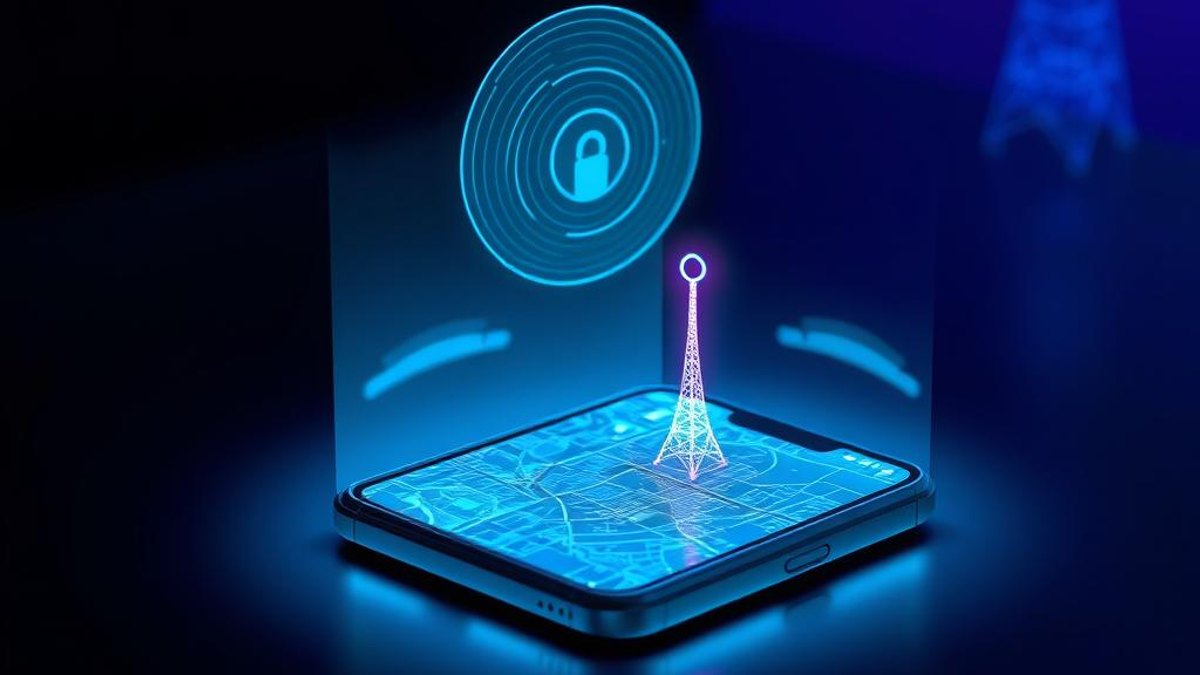
Every time your iPhone connects to a cell tower, your carrier can estimate where you are — and on a dense network that estimate can be surprisingly precise. Apple's new 'Limit Precise Location' setting, introduced in iOS 26.3, lets you turn that street-level visibility down to neighborhood-level only.
The feature lives inside the Cellular settings and works at the network level, not the app level. It reduces the precision of the location your carrier can see while your phone is connected to mobile data. Importantly, it doesn't break anything you rely on day to day — your signal, navigation, and Find My all keep working normally.
This is a hardware-dependent feature. It only appears on iPhones and iPads that use Apple's own C1 or C1X cellular modems, and only when you're on a carrier that supports the capability. If your device and carrier both qualify, the toggle simply shows up; if not, you won't see it at all.
Why It Matters
Carrier location data is routinely collected, retained, and in some cases sold or shared. Knocking precision down from your exact street address to a broad neighborhood area meaningfully shrinks how much your carrier knows about your movements — without costing you signal quality, navigation accuracy, or emergency safety. It's one of the few privacy controls that affects the network itself rather than just apps.
Who Can Benefit
- Privacy-conscious users who want to limit how much their carrier knows about their daily movements
- Owners of the newest Apple-modem devices (iPhone Air, iPhone 16e, iPhone 17e) looking to use features unique to their hardware
- People on supported carriers like Boost Mobile (US), EE/BT (UK), or Telekom (Germany)
- Anyone who assumed location privacy was only about app permissions and didn't realize the carrier layer existed
02. Step-by-Step Guide
- 1
Confirm your device and iOS version
This feature only exists on iPhone Air, iPhone 16e, iPhone 17e, or iPad Pro (M5) Wi-Fi + Cellular — devices that use Apple's C1 or C1X modems. You also need iOS 26.3 or later. Go to Settings > General > About to check, or Settings > General > Software Update to update.
- 2
Open Cellular settings
Launch the Settings app and tap 'Cellular' (it may read 'Mobile Data' or 'Mobile Service' in some regions).
- 3
Go to Cellular Data Options
Tap 'Cellular Data Options.' This is the same menu where you'd manage data roaming and network mode.
- 4
Find 'Limit Precise Location'
Scroll down to the bottom of the screen. If your carrier supports the feature, you'll see 'Limit Precise Location.' If it isn't there, your carrier doesn't currently support it.
- 5
Toggle it on and restart
Switch 'Limit Precise Location' on. Your iPhone will need to restart for the change to take effect. The same restart is required whenever you turn it back off.
Pro Tips
- If you don't see the option, the most common reasons are an unsupported carrier or a device without an Apple C1/C1X modem — not a bug.
- Supported carriers as of now include Boost Mobile (US); EE and BT (UK); Telekom (Germany); A1 (Austria); YouSee (Denmark); and AIS and True (Thailand).
- Because a restart is required to switch it, decide your preference once rather than toggling it frequently.
- This is a complement to — not a replacement for — reviewing app Location Services permissions in Settings > Privacy & Security > Location Services.
Warnings & Limitations
- Major US carriers AT&T, Verizon, and T-Mobile do not currently support this feature.
- It requires a device restart each time you toggle it on or off.
- It only reduces precision to neighborhood level — it does not make your location invisible to the carrier.
- It does not affect emergency services location sharing, app-based Location Services, signal quality, Find My, or Maps navigation.
- Only available on iPhone Air, iPhone 16e, iPhone 17e, or iPad Pro (M5) Wi-Fi + Cellular running iOS 26.3 or later.
Related Tricks
Most Android Users Don't Know About the New 'Tap-Once' Location Button in Android 17
Android 17 quietly added a location button that grants apps your precise location for a single session—and revokes it automatically the moment you close the app. No dialog, no manual cleanup.
Your Android Phone Is a 4K Webcam — and It’s Built Into the System
Since Android 14, plugging your phone into a computer can turn its camera into a high-quality webcam. No apps, no drivers, one cable.
Most Android Users Don't Know Their Phone Can Share WiFi With a QR Code
Stop dictating long, cryptic WiFi passwords letter by letter. Your Android phone can generate a scannable QR code that connects any device instantly.