
Most Android Users Don't Know Their Phone Has a Hidden, Password-Protected Second Space
Android's Private Space builds an entirely isolated sandbox for apps and accounts on the phone you already own — no second device required.
01. What It Is
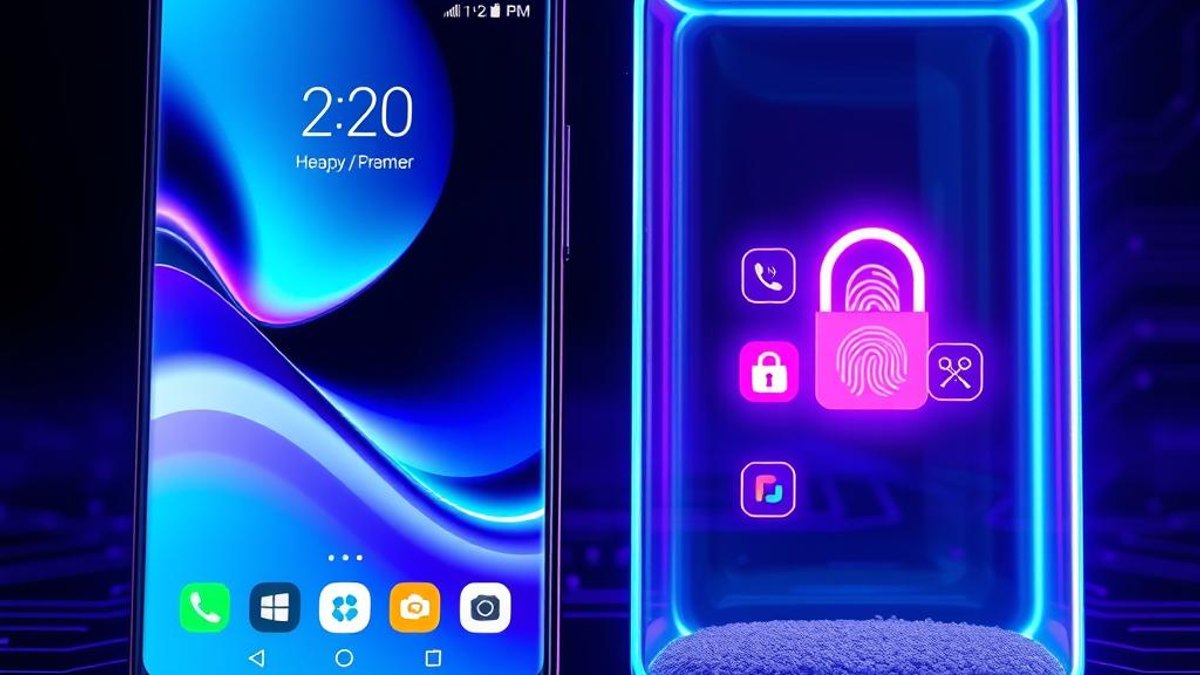
Private Space is a native Android feature that carves out a completely separate, password-protected sandbox on your phone. Inside it, apps, Google accounts, and data live in isolation from your main profile — nothing carries over, and nothing leaks back.
Think of it as a second phone hidden inside your phone. You can install a fresh copy of any app there, sign in with a different Google Account, and keep everything sealed off. When you lock the Private Space, its apps vanish from the app drawer, recent apps, notifications, and even Settings — as if they never existed.
Unlike work profiles managed by an employer, this is fully user-controlled and personal. You can even hide the very existence of the Private Space so no one browsing your app drawer would know it's there.
Why It Matters
Instead of buying and carrying a second device to separate sensitive apps — banking, dating, private notes, a secondary social account — you get a genuinely isolated environment on hardware you already own. Locked apps can't run in the background, don't push notifications, and don't appear anywhere in the interface, giving you real privacy and peace of mind at zero extra cost.
Who Can Benefit
- People who want to separate personal and secondary accounts without a second phone
- Privacy-conscious users hiding sensitive apps like banking or messaging
- Anyone who shares or hands their phone to others frequently
- Users juggling two Google Accounts on one device
02. Step-by-Step Guide
- 1
Confirm your device qualifies
You need Android 15 or later and at least 6GB of RAM. Note: Samsung disabled this feature on One UI 5+ devices, and it won't work on phones enrolled as an Android Enterprise Device Owner.
- 2
Open the setup screen
Go to Settings > Security & Privacy > Private Space. Tap to begin setup — you'll authenticate with your existing device lock first.
- 3
Sign in (or skip) a Google Account
You can add a separate Google Account exclusively for the Private Space, keeping its app data and sign-ins fully independent from your main profile. You can also skip and use it locally.
- 4
Set a separate lock
Choose a distinct unlock method for the space — fingerprint, PIN, pattern, or password. This can be different from your main phone lock, adding a second layer.
- 5
Install fresh apps inside it
Open the Private Space at the bottom of your app drawer and install apps from the Play Store. They arrive brand new with zero data carried over from your main profile.
- 6
Lock it to make it disappear
Once locked, the space's apps disappear from the drawer, recents, notifications, and Settings. Reopen it by scrolling to the bottom of the app drawer and unlocking.
- 7
Tune auto-lock and hiding
In Private Space settings, set auto-lock to trigger on device lock, 5 minutes after screen timeout, or on reboot. You can also hide the Private Space entirely so it doesn't appear in the app drawer at all.
Pro Tips
- Private Space can coexist with work profiles and clone/dual-app profiles, so you can layer multiple separations on one device.
- Set auto-lock to 'on device lock' for the tightest privacy — the space seals itself the moment your screen turns off.
- Hiding the Private Space from the app drawer is ideal if you frequently hand your phone to others.
- Starting in Android 16 QPR2, a file transfer feature lets you move or copy files in and out (limited to 100 files or 2GB per transfer).
Warnings & Limitations
- Requires Android 15+ and roughly 6GB of RAM; older or low-end phones won't have it.
- Not available on Samsung phones running One UI 5 or later — the manufacturer disabled it.
- Private Space data is not backed up to the cloud and will be lost when you transfer to a new device.
- Apps inside the Private Space bypass any device-wide VPN, so traffic there isn't routed through it.
- Only one Private Space per device, and only for the main user — secondary users can't create one.
- Apps can't run background tasks or deliver notifications while the space is locked, so time-sensitive alerts won't come through.
- You can't set it up on devices enrolled as an Android Enterprise Device Owner or certain corporate-managed deployments.
Related Tricks
Most Android Users Don't Know Their Phone Can Share WiFi With a QR Code
Stop dictating long, cryptic WiFi passwords letter by letter. Your Android phone can generate a scannable QR code that connects any device instantly.
Most iPhone Users Don't Know iOS 18 Can Lock Any App With Face ID
No password managers, no Screen Time hacks. iOS 18 quietly added a native way to lock Notes, Photos, or almost any app behind Face ID—straight from the Home Screen.
Most Android Users Don't Know About the New 'Tap-Once' Location Button in Android 17
Android 17 quietly added a location button that grants apps your precise location for a single session—and revokes it automatically the moment you close the app. No dialog, no manual cleanup.