
This ChatGPT Trick Can Turn Any Photo Into a Reusable Template
Upload one image, extract its exact style as a written 'style recipe', and reuse it forever to generate consistent visuals on demand.
01. What It Is
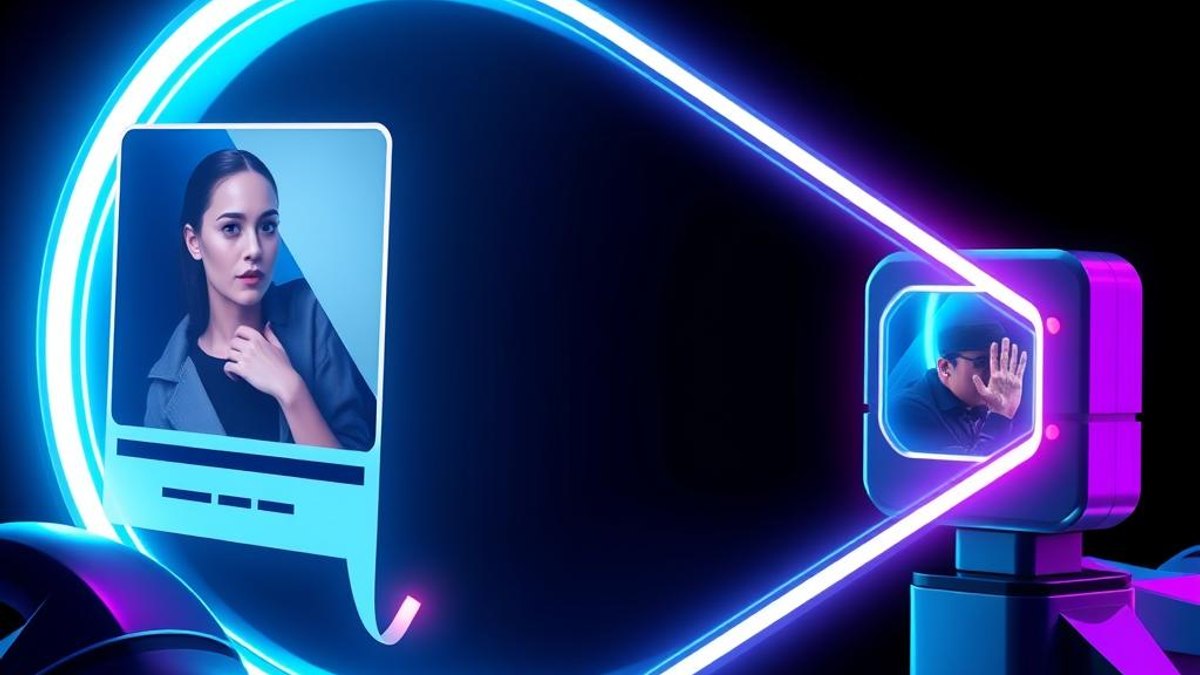
Most people use ChatGPT's image abilities one picture at a time: upload, ask, done. The trick is to make ChatGPT reverse-engineer an image into a detailed written description of its style — composition, lighting, color palette, mood, typography — and save that description as a reusable template.
Once you have the 'style recipe', you can paste it into any future conversation and ask for new subjects rendered in exactly that style. One good reference photo becomes an infinite series of on-brand visuals.
Why It Matters
Consistency is the hardest part of AI image generation. Anyone can generate one nice image; generating fifty that look like they belong to the same brand is what separates amateurs from professionals. This trick gives you brand consistency without a designer.
Who Can Benefit
- Content creators who need a consistent visual identity
- Small businesses producing social media graphics without a design team
- Marketers building campaign assets in multiple formats
- Anyone who found one image style they love and wants to keep it
02. Step-by-Step Guide
- 1
Upload your reference image
Open ChatGPT and upload the photo or graphic whose style you want to capture. It can be your own photo, a previous AI generation, or any image you have rights to use.
- 2
Ask for a style extraction
Use the prompt below. The key is asking for a description detailed enough that an artist who never saw the image could recreate its style.
- 3
Save the style recipe
Copy the resulting description into a note, doc, or ChatGPT's custom instructions. This text block is now your template.
- 4
Reuse it with new subjects
In any new chat, paste the recipe and add: 'Generate an image of [new subject] in exactly this style.' Every output will share the same look.
- 5
Refine once, benefit forever
If outputs drift, tell ChatGPT what changed ('the palette is too warm') and ask it to update the recipe. Save the new version.
Analyze this image and write a detailed 'style template' that describes — without mentioning the specific subject — its composition, camera angle, lighting, color palette (with hex codes), texture, mood, level of detail, and artistic style. Write it so that someone who has never seen this image could generate new images in exactly the same style.
Pro Tips
- Ask for hex codes in the palette — they make the style dramatically more reproducible.
- Create 2–3 recipes (e.g. 'hero images', 'thumbnails', 'product shots') and label them.
- Store your recipes in ChatGPT's custom instructions so every chat starts with your style loaded.
Warnings & Limitations
- Only use images you own or have the right to imitate — extracting the style of a specific artist's work for commercial use can raise ethical and legal issues.
- Image generation availability varies by ChatGPT plan.
Related Tricks
Most Android Users Don't Know Gemini Can Build Custom Widgets From a Sentence
Describe the widget you want in plain English, and Gemini designs, builds, and installs it on your home screen—no settings, no widget menu digging.
Most AI Users Run One Model—Perplexity Computer Quietly Routes Across 19
You subscribe to one AI and send everything to it. Perplexity Computer breaks a task apart and hands each piece to the model that does it best—automatically, behind a single screen.
Most Claude Users Don't Know Its Artifacts Panel Turns Throwaway Code Into Reusable Files
Claude can generate runnable code and documents in a side panel with live previews—then let you export, save, and remix them across every conversation. Stop pasting snippets into notes.