
Windows Has a Secret ‘God Mode’ Folder That Unlocks 200+ Hidden Settings
Create one folder with a special name and Windows reveals every control panel setting in a single searchable master list.
01. What It Is
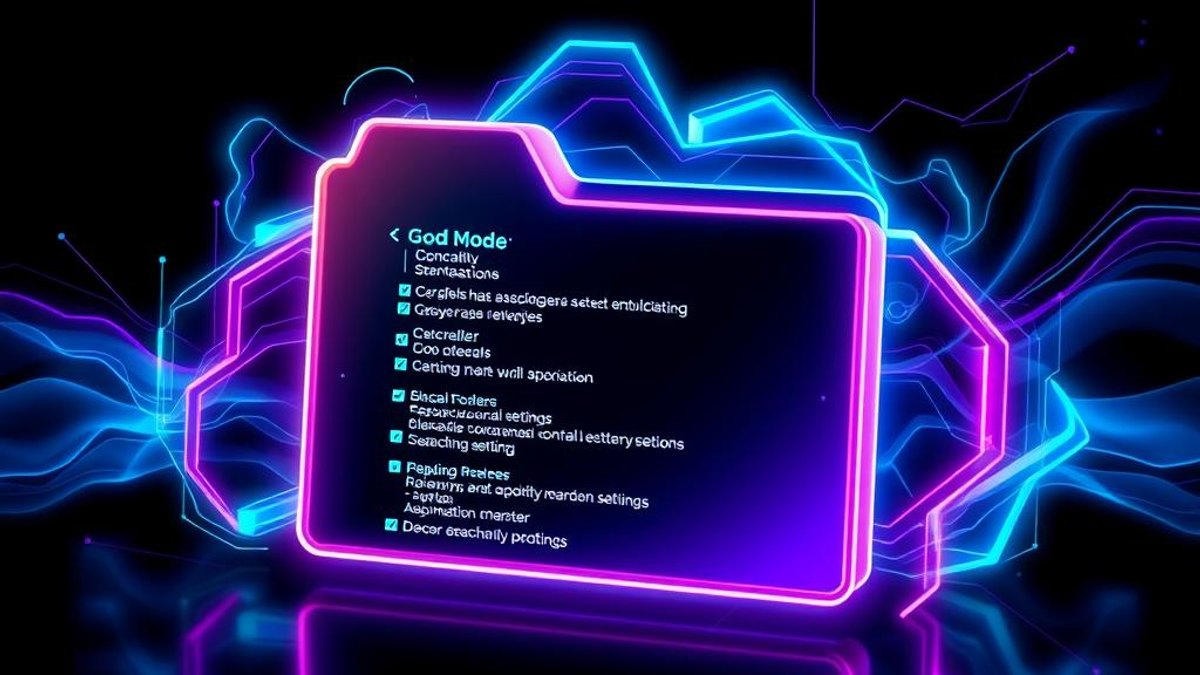
Hidden inside Windows is a master control panel officially called the 'All Tasks' view — the community calls it God Mode. Creating a folder with a special GUID in its name transforms that folder into a single page listing 200+ settings and tools: backup, device management, power options, admin tools, accessibility — everything, flat and searchable.
It has existed since Windows Vista and still works in Windows 10 and 11, where settings are otherwise scattered between the modern Settings app and the legacy Control Panel.
Why It Matters
Microsoft splits settings across two different apps, and finding the right one often takes longer than changing it. God Mode puts every tool one Ctrl+F away — a genuine time-saver for anyone who tweaks their system.
Who Can Benefit
- Power users tired of hunting through Settings vs Control Panel
- IT support staff who jump between many admin tools daily
- Anyone setting up a new PC and configuring everything at once
- Curious users who want to see everything Windows can actually configure
02. Step-by-Step Guide
- 1
Create a new folder
Right-click on your Desktop (or anywhere) and choose New → Folder.
- 2
Paste the magic name
Rename the folder to exactly: GodMode.{ED7BA470-8E54-465E-825C-99712043E01C}
- 3
Press Enter and watch
The folder's icon changes to a control panel icon and the 'GodMode' text disappears — that's expected.
- 4
Open your master panel
Double-click it. You'll see 200+ settings grouped by category, all in one window.
- 5
Search instead of scroll
Use the search box in the top-right of the window to filter instantly — try 'power', 'backup' or 'firewall'.
Pro Tips
- You can replace 'GodMode' with any text — that part of the name is yours.
- Drag your most-used entries out of the folder to create desktop shortcuts to individual settings.
- Pin the folder to Quick Access in File Explorer for one-click access.
Warnings & Limitations
- These are real system settings — changing things you don't understand can affect your PC. Look up anything unfamiliar first.
- On some builds the folder icon may not refresh until you press F5.
Related Tricks
Most Windows 11 Users Don't Know a Hidden Update Makes Cheap PCs Feel Instant
Windows 11 quietly gained a scheduler trick that maxes out your CPU for 1-3 seconds the moment you open something—making budget hardware feel dramatically snappier with no setting to touch.
Most iPhone Users Don't Know Their AirPods Can Trigger the Camera
iOS 26 turned AirPods into a hands-free camera remote. Squeeze your earbud and your iPhone snaps the shot—no reaching for the screen.
Your Android Phone Is a 4K Webcam — and It’s Built Into the System
Since Android 14, plugging your phone into a computer can turn its camera into a high-quality webcam. No apps, no drivers, one cable.