
Most Android Users Don't Know About the New 'Tap-Once' Location Button in Android 17
Android 17 quietly added a location button that grants apps your precise location for a single session—and revokes it automatically the moment you close the app. No dialog, no manual cleanup.
01. What It Is
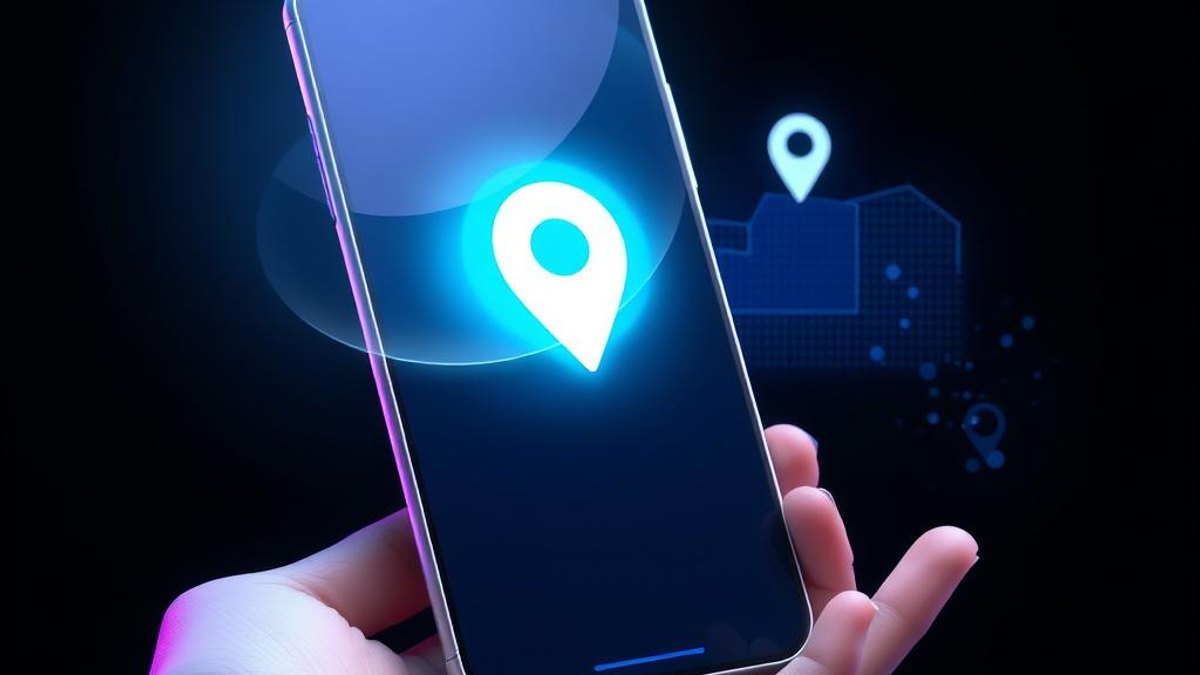
Android 17 introduced a new privacy control often called the 'Location Button' (or one-time precise location button). Instead of the classic permission pop-up asking whether you want to allow location 'While using the app' or 'Only this time,' apps can now show a dedicated button inside their own interface. When you tap it, the system renders a confirmation and the app receives your precise location—but only for that active session.
The key difference is what happens when you're done. As soon as you close the app, that location access is automatically revoked. There's no lingering permission sitting in your settings, and you never have to remember to go back and manually turn it off. Access is scoped strictly to the session you granted it in.
Under the hood, this is built on a Jetpack library that developers integrate into their apps. It's designed for 'transactional' or one-time location needs—like sharing where you are once to find nearby restaurants or drop a pin—rather than continuous tracking. It's foreground-only by design, meaning it can never be used for background location tracking.
Why It Matters
This closes one of Android's oldest privacy gaps: forgotten permissions. Previously, granting location often meant an app kept access for far longer than you intended unless you dug into settings to revoke it. With the session-based button, access expires by itself the instant you leave the app, giving you real, effortless control—and a clear picture of exactly when an app is using your location.
Who Can Benefit
- Privacy-conscious users who dislike apps holding onto location access indefinitely
- Pixel owners on newer devices who get the feature first
- People who only need to share location occasionally (maps, delivery, ride-share style tasks)
- Anyone who forgets to revoke permissions manually after using an app once
02. Step-by-Step Guide
- 1
Confirm your device and version
The feature requires Android 17 (API level 37) or higher and works on Pixel 6 and newer. Check Settings → About phone → Android version to confirm you're on Android 17.
- 2
Look for the location button inside apps
Rather than a system permission dialog, updated apps show a dedicated location button in their own interface—typically where you'd trigger a 'use my location' action. The location icon on it is standardized and can't be changed by developers.
- 3
Tap the button and confirm
When you tap it, the system displays a confirmation. Granting it gives the app your precise location for the current session only—no separate permission pop-up needed.
- 4
Watch the persistent indicator
While access is active, Android shows an indicator that location is in use, so you always know when an app can see your precise location.
- 5
Close the app to revoke access
That's it—simply closing the app automatically expires and revokes all location access from that session. There's nothing to undo manually.
Pro Tips
- If an app still shows the old-style permission dialog, it hasn't adopted the Jetpack location button library yet—adoption is happening gradually.
- This is ideal for one-off location needs; for apps that genuinely need ongoing location (like navigation), the traditional permission model still applies.
- Because access is foreground-only, an app using this button physically cannot track you in the background.
Warnings & Limitations
- Not all apps have adopted the feature yet—it depends on developers integrating the Jetpack library.
- On Android 16 and below, the system falls back to the standard location prompt; the session button is an Android 17+ capability.
- For apps targeting Android 17+, the location button becomes mandatory for one-time location use cases, with enforcement beginning in late October 2026—so availability will expand over time.
- This feature cannot be used for background location tracking of any kind; it's strictly for foreground, session-scoped access.
Related Tricks
Most Android Users Don't Know Their Phone Can Share WiFi With a QR Code
Stop dictating long, cryptic WiFi passwords letter by letter. Your Android phone can generate a scannable QR code that connects any device instantly.
Most Android Users Don't Know Their Phone Has a Hidden, Password-Protected Second Space
Android's Private Space builds an entirely isolated sandbox for apps and accounts on the phone you already own — no second device required.
Most Mac Users Don't Know Safari Can Permanently Hide Cookie Banners
Safari on macOS Sequoia has a built-in tool that makes annoying cookie banners, newsletter popups, and sign-in prompts disappear — and it remembers your choices on return visits.